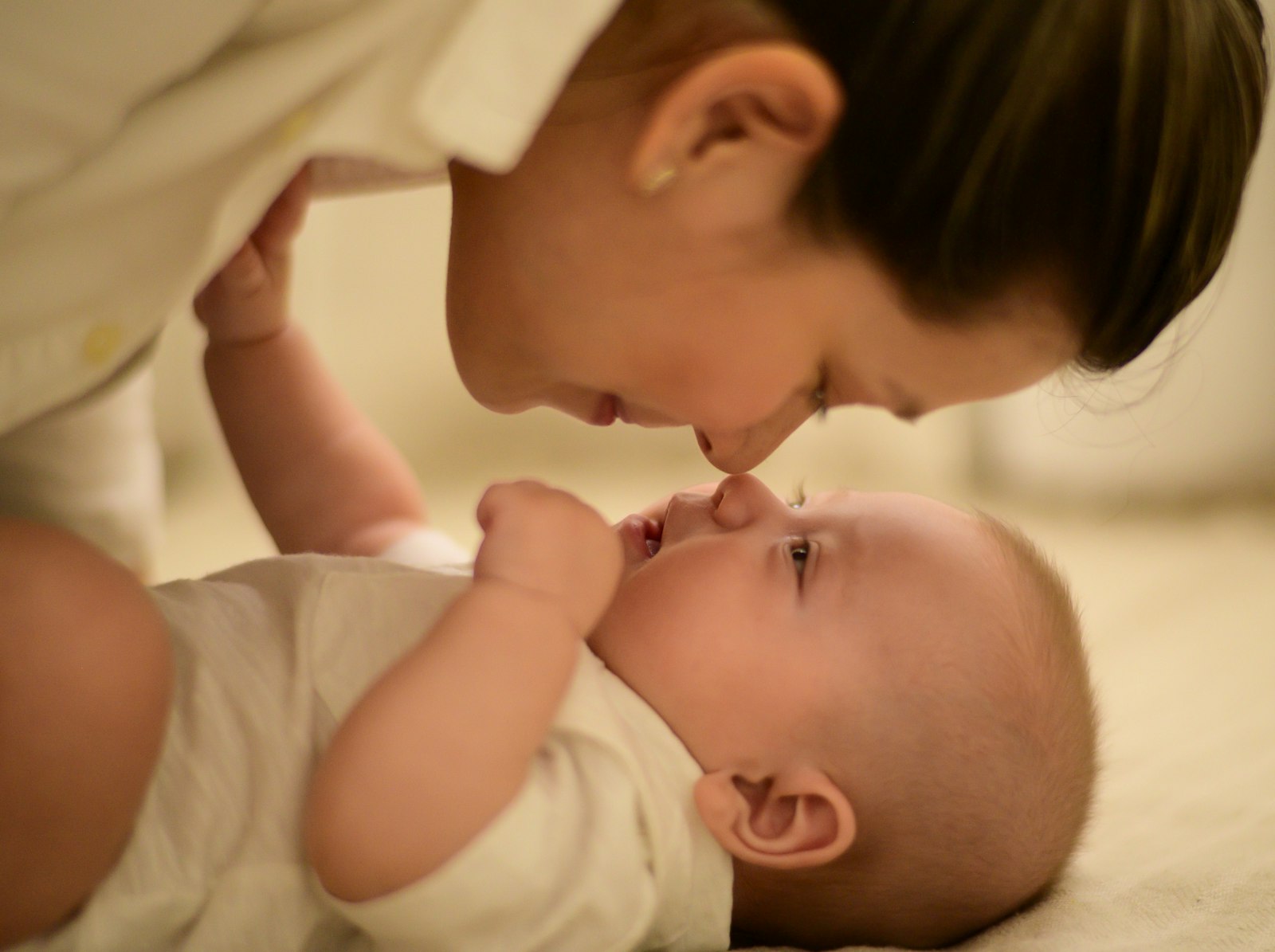
Between audio-only units, HD video cameras, and wearable sensors promising to track every breath, the baby monitor aisle has become one of the most confusing corners of nursery shopping — here's how to cut through the noise and choose one that actually fits your home and your family.
Why the Baby Monitor Aisle Feels So Overwhelming
Baby monitors used to be simple: a speaker in the nursery, a receiver in your pocket, static included at no extra charge. Now the category spans budget audio-only units, HD video monitors with pan-tilt-zoom, and wearable sock and clip sensors that claim to track oxygen levels and heart rate. Prices range from under $40 to well over $400, and the marketing language rarely explains what actually matters for safety and sleep.
This guide breaks the category down by feature, quality marker, and common buying mistake so you can choose a monitor that fits your home, your budget, and your family's actual routine — not just the flashiest box on the shelf.
The Three Core Monitor Types
Almost every baby monitor on the market in 2026 falls into one of three categories. Understanding the tradeoffs up front saves you from returning a unit three weeks in.
- Audio-only monitors: simplest, most affordable, longest battery life, and lowest risk of overuse-driven anxiety since there's no video to obsessively watch.
- Video monitors (Wi-Fi or closed-circuit): let you see sleep position, room brightness, and movement; closed-circuit units don't route footage through the internet, which matters for privacy-conscious families.
- Wearable/movement monitors (socks, clips, camera-based motion tracking): marketed as monitoring breathing or oxygen trends; useful as an added layer of reassurance but not a substitute for safe sleep practices or a substitute for medical devices.

Features Worth Paying For
Not every add-on justifies a higher price tag. These are the features that consistently earn their keep according to pediatric sleep consultants and long-term parent reviews.
- Night vision with adjustable infrared brightness — too much IR light can wash out the picture or, on some units, be visible as a faint red glow that some babies notice.
- Two-way talk — lets you soothe from another room without walking in, which can help toddlers settle without a full wake-up cycle.
- Room temperature and humidity readout — genuinely useful for maintaining a safe sleep environment, especially in rooms without a wall thermostat.
- Local storage or closed-circuit transmission — reduces reliance on cloud servers and lowers the risk of remote access by unauthorized parties.
- Long battery life or reliable plug-in operation — a monitor that dies at 2 a.m. defeats its entire purpose.
- Split-screen or multi-camera support — valuable once you have more than one child or want to cover both a crib and a play area.
Quality Markers That Signal a Well-Built Monitor
Because monitors sit in a nursery for years, build quality and safety certifications matter more here than in most baby gear categories.
Look for units that clearly disclose FCC compliance, use encrypted video transmission (not open Wi-Fi streaming), and ship with cords that meet current crib-safety cord-length standards — cords should always be routed at least three feet from the crib rail, with no exceptions.
| Monitor Type | Best For | Typical Price Range | Key Limitation |
|---|---|---|---|
| Audio-only | New parents, tight budgets, small homes | $30–$70 | No visual confirmation of sleep position |
| Wi-Fi video | Multi-room homes, grandparents checking in remotely | $80–$200 | Requires strong home Wi-Fi; cloud storage adds cost |
| Closed-circuit video | Privacy-focused families, no smart-home reliance | $100–$250 | Shorter range, no remote app access away from home |
| Wearable/movement | Extra reassurance layer, NICU graduates | $150–$400 | Not a medical device; can trigger false alarms |

Mistakes First-Time Buyers Make
A few patterns show up again and again in parent feedback and product return data. Avoiding them will save both money and stress.
- Buying the highest-resolution camera without checking night vision quality — a crisp daytime image means nothing if the nighttime feed is grainy or overly bright.
- Skipping the range test — apartments with thick walls or multi-story homes can lose signal well within the manufacturer's stated range; test before the return window closes.
- Ignoring app permissions on Wi-Fi monitors — some apps request more data access than needed; a reputable brand will explain exactly what's collected and why.
- Relying solely on a wearable sensor as a safety device — these are consumer wellness products, not FDA-cleared medical monitors, and shouldn't replace safe sleep guidelines (back to sleep, firm mattress, no loose bedding).
- Choosing based on app rating alone — check whether the physical unit has a reputation for overheating, connectivity drops, or short battery life, since app reviews often reflect software, not hardware.
Compare Top-Rated Video Baby Monitors
Browse closed-circuit and Wi-Fi video monitors with verified night-vision and two-way talk features, filtered by real customer ratings.
Shop Video Monitors →How Room Layout Should Influence Your Choice
An open-concept nursery attached to the main living area has very different needs than a converted closet-sized room at the end of a long hallway. For larger or multi-level homes, prioritize monitors with extended range and multi-camera compatibility. For smaller apartments, a simple audio unit or a single fixed-lens video camera is often more than sufficient, and you'll save on features you won't use.
Simple, Reliable Audio-Only Options
For parents who want dependable sound monitoring without a screen to check obsessively, these long-battery-life audio monitors cover the basics well.
View Audio Monitors →Setting Up Your Monitor the Right Way
Even the best monitor underperforms if it's installed poorly. Mount cameras at least three feet above and away from the crib, never inside it, and route all cords along the wall, secured out of reach. Position the unit to capture the whole crib, not just the baby's face, so you can see overall body position and movement without leaning in constantly.
Test your monitor's connection at the exact times you'll rely on it most — during a 2 a.m. wake-up, not just in daylight with everyone's devices connected to Wi-Fi.
Explore Movement & Sock-Style Sleep Trackers
See the current lineup of wearable sleep trackers designed to layer extra reassurance on top of — never instead of — safe sleep practices.
Browse Wearable Monitors →The Bottom Line
The right baby monitor is the one that matches your home's layout, your comfort with technology, and your actual need for reassurance — not the one with the longest feature list. Start with the basics (reliable audio, clear night vision, secure connection), add video or wearable features only if they solve a real problem for your family, and always treat monitors as a support tool alongside — never a replacement for — established safe sleep guidelines.